Fast, Safe Payouts for Players in Pakistan

BC Game withdrawal options cover 8+ methods for local users. You can cash out in Ethereum, Bitcoin, USDT, Dogecoin, Ripple, EOS, JazzCash, and NayaPay. Minimum withdrawal is PKR 2,000 and the maximum per request is PKR 14,000,000, depending on the method. Examples include Bitcoin to wallet, USDT TRC20, Ripple with tag, and JazzCash to your mobile account. A welcome bonus of 360% up to PKR 28,260,500 is available; withdrawals need full verification and meeting bonus rules.

Welcome bonus 360%

PKR 28,260,500

BC Game: Fast, safe payouts in Pakistan; 8+ methods—Bitcoin, USDT, Ripple, JazzCash; PKR 2,000–14,000,000 limits.

Methods, Limits, and BC Game Pakistan Withdrawal Time

You can withdraw from BC Game account using crypto and local e‑wallet options where available. No commission is charged by the platform. Minimum is PKR 2,000 for most crypto and PKR 500 for some local e‑wallets. Typical approval takes up to a few hours, and transfers are often quick after approval.

Payment Method Min Withdrawal Max Withdrawal Withdrawal Time Fees
Bitcoin (BTC) PKR 3,500 PKR 14,000,000 10–90 min after approval 0 platform + blockchain fee
Ethereum (ETH) PKR 2,000 PKR 14,000,000 5–60 min after approval 0 platform + blockchain fee
USDT (TRC20) PKR 1,500 PKR 14,000,000 5–30 min after approval 0 platform + network fee
Dogecoin (DOGE) PKR 1,500 PKR 7,000,000 5–30 min after approval 0 platform + network fee
Ripple (XRP) PKR 1,500 PKR 14,000,000 5–20 min after approval 0 platform + network fee
EOS PKR 1,500 PKR 7,000,000 5–20 min after approval 0 platform + network fee
JazzCash (where available) PKR 500 PKR 200,000 10–120 min after approval 0 platform
NayaPay (where available) PKR 500 PKR 200,000 10–120 min after approval 0 platform
Other Crypto (from account) PKR 1,500 PKR 14,000,000 10–90 min after approval 0 platform + network fee

Availability depends on verification status, region, and risk checks. BC Game withdrawal time can extend during peak network load or extra reviews.

Step-by-Step: How to Withdraw Money

You can withdraw funds once your account is verified and has a sufficient balance. Keep your payment method in your own name and ready for confirmation.

1.

Step 1: Sign in and open Withdraw

Log in on the website or app, then go to Wallet > Withdraw. Pick Pakistan as your region if asked.

2.

Step 2: Choose your payment method

Select crypto (BTC, ETH, USDT, etc.) or a local option like JazzCash or NayaPay if shown. Review method-specific limits and notes.

3.

Step 3: Enter amount and details

Type the withdrawal amount in PKR or the crypto equivalent. Paste the wallet address and tag/memo if required, or your verified e‑wallet number.

4.

Step 4: Complete verification if prompted

Submit KYC or 2FA if requested. Prepare CNIC/passport and a recent utility bill or bank statement.

5.

Step 5: Confirm and track status

Confirm the withdrawal request. Follow the status in Transactions; you will get updates once it is approved and sent.

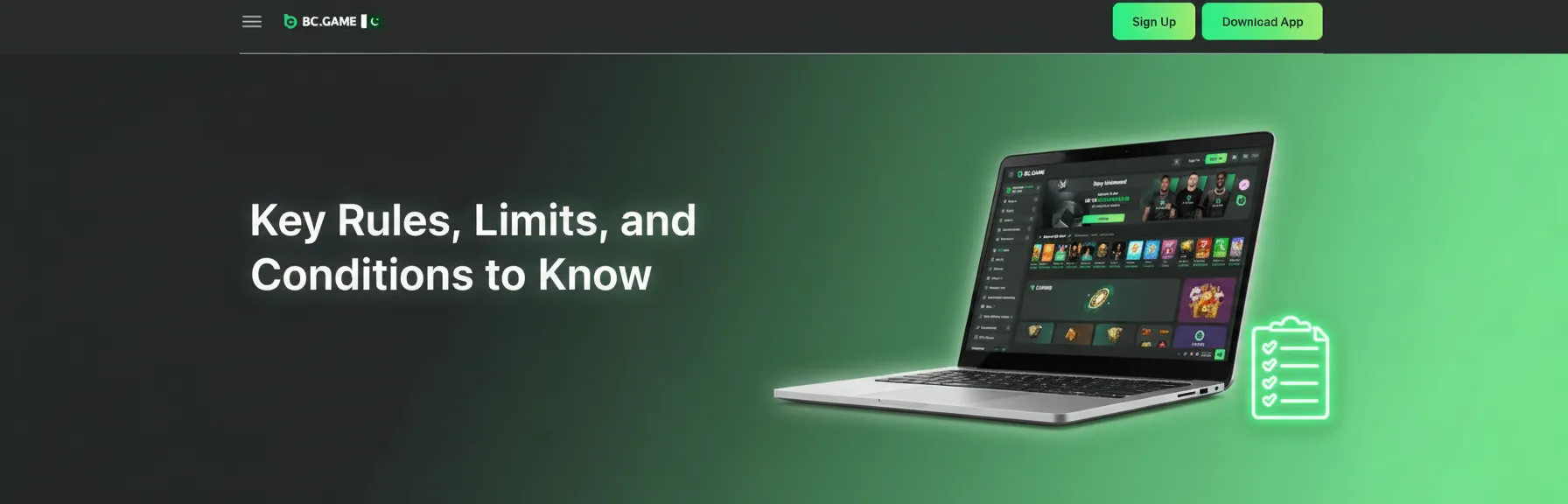
Key Rules, Limits, and Conditions to Know

Pakistan withdrawal rules: KYC (CNIC/passport), matching payment method, wagering, limits, PKR-to-crypto rates/fees.

These rules keep payouts safe for users in Pakistan. Read them before sending a withdrawal request.

  • Account verification required: Full KYC may be requested on first cashout, larger amounts, or security reviews. Provide CNIC/passport and proof of address.
  • Method must be yours: The name on the gaming account must match the receiving wallet, bank, or e‑wallet.
  • Wagering and turnover: Real-money deposits may need 1x turnover for anti‑fraud. Bonus funds need to meet wagering before any payout.
  • Limits and reviews: Daily and per-transaction caps apply. Large amounts can be split or held for manual checks.
  • Currency and rates: PKR amounts convert to crypto at the time of transfer. Rates and network fees may change during congestion.

Troubleshooting: Fix Common Withdrawal Issues

Troubleshooting guide for Pakistan withdrawals: KYC, wrong address/tag, network delays, limits, bonus, JazzCash/NayaPay.

Here are the most common problems and quick fixes for Pakistan users.

  • Pending verification: Upload missing KYC documents in the account menu. Support can confirm what is needed.
  • Wrong wallet address or missing tag: Cancel while still pending and resubmit. If broadcast to chain, it cannot be reversed.
  • Network congestion: Blockchain delays can extend the withdrawal time. Wait for confirmations or choose a faster network if available.
  • Exceeded limit: Reduce the withdrawal amount or split into smaller requests. Check your remaining daily cap.
  • Bonus not cleared: Complete wagering or forfeit the bonus balance. Then submit the request again.
  • Name mismatch: Update your profile to match your CNIC and payment account. Withdrawals to third‑party accounts are declined.
  • Local e‑wallet unavailable: If JazzCash or NayaPay does not show, try later or use a crypto method. Availability can vary by time and checks.

Support in Pakistan: Contact Options

Support in Pakistan: BC.Game contact options—Live chat, email, Help Center, Telegram, and X/Twitter for payout help.

The website provides help for payout questions at any time. Use the channel that suits you best.

FAQ

What is the BC Game minimum withdrawal in Pakistan?

BTC starts from about PKR 3,500. Most crypto options start from PKR 1,500. JazzCash and NayaPay, where available, start from PKR 500.

What is the usual withdrawal time?

After approval, crypto often arrives in 5–60 minutes. Local e‑wallets usually complete in 10–120 minutes. Extra checks can add time.

Are there any fees on withdrawals?

The platform charges 0. Blockchain or network fees may apply. Your receiving bank or e‑wallet may also have its own charges.

Can I cancel a request?

You can cancel while the status is Pending. Once approved or broadcast to the network, it cannot be reversed.

Can I withdraw to someone else’s account?

No. The receiving account must be in your name to pass security and compliance checks.

Updated: